




Spinwinera App: iOS and Android Gaming
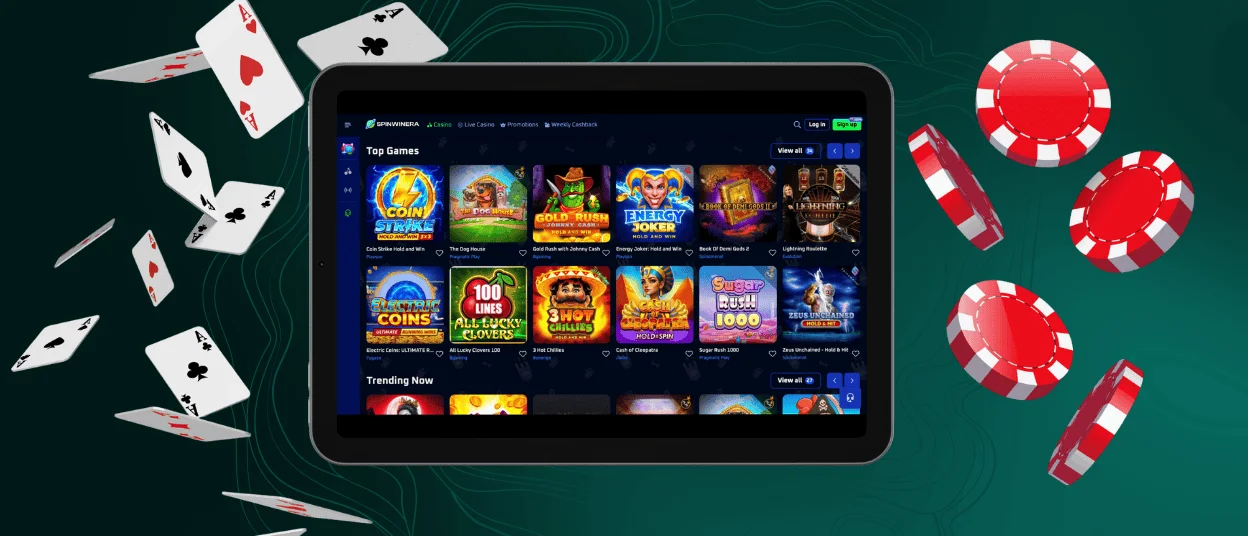
The Spinwinera app gives players a gaming experience in a mobile format. The software provides quick access to our game catalog on all devices. Available for installation on Android, iOS, and desktop computers, the Spinwinera app works perfectly on any device. The interface is optimized for all screens and streams games in the highest quality.



Mobile Experience at Spinwinera
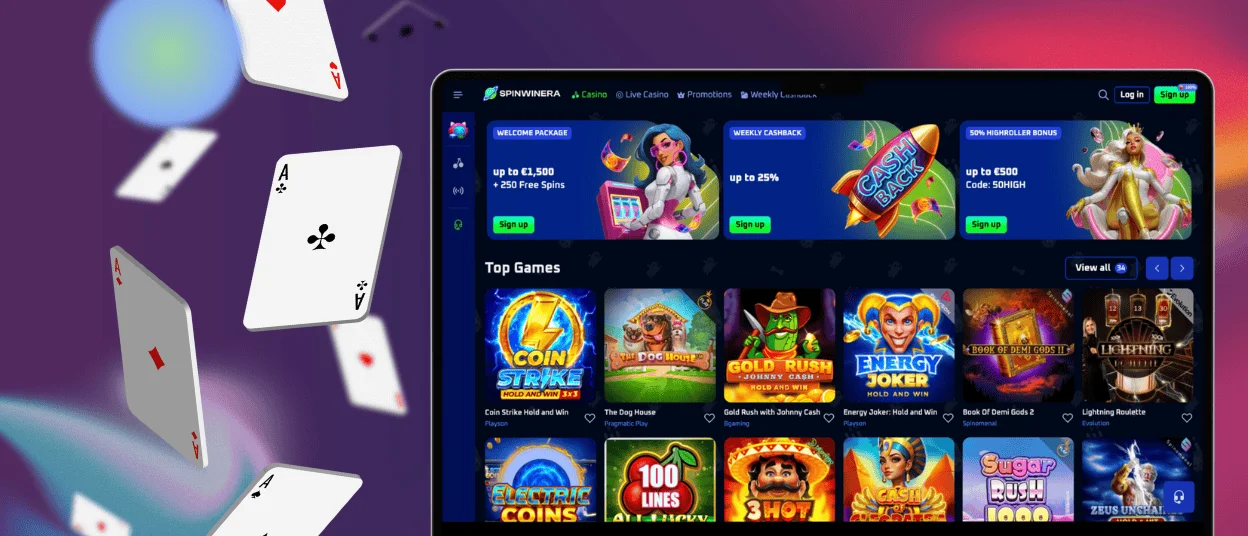
The mobile version of Spin Winera Casino is designed for mobility with the same functions and quality. All games, bonuses, payment methods, account settings, and other platform features are available. The desktop version offers a wider screen and more detailed visual controls, while the app offers faster loading times. Both versions support the same security standards and reliability.
| Feature | Mobile App | PC Version |
| Accessibility | Play anywhere | Play from a fixed location |
| Installation | App download required | No installation needed |
| Interface | Touch-optimized, compact | Larger layout, full display |
| Performance | Fast, lightweight | Stable, high-resolution |
| Game Selection | Full catalogue | Full catalogue |
Spinwinera iOS Casino App
The Spinwinera iOS Casino app is fully optimized for iPhone and iPad users. Players can access the casino either through a mobile browser or a dedicated app. The interface is designed for smooth navigation on mobile devices.
There is no need to search for our app in the App Store; you can download it right from your browser. We offer secure installation from our official website using a progressive web app (PWA). Our PWA takes up minimal disk space and installs quickly.
How to Install the Spinwinera iOS App:
- Scroll to the footer of the Spinwinera Casino website on your iPhone or iPad.
- Select Casino App and tap Install.
- Wait for the installation to complete.
- Now the app is on your home screen.

Spinwinera Android Casino App
The Spinwinera Android casino app is designed for quick access from mobile devices. We do not require downloads from app stores, and our installation process is quick and easy. The interface is optimized for touch control, so all games load quickly and run in high quality. All players have access to the full game library with all bonuses and tournaments. All functions, such as payments and withdrawals, are also available here. You can also complete the verification process for your account through the Android app.
APK
Spinwinera does not use APK files for installation. There is no need to enable unknown sources or download external installation packages. You also don’t need to search for our app in the Play Store. It is available for download from our official website.
PWA
Our progressive web app (PWA) is available on the Spinwinera website. PWA is an optimal application with full functionality, low memory consumption, and high performance. The software installs quickly and updates automatically without the need for manual installation or downloads. Our PWA provides direct access from the device’s home screen with fast loading of games and all other platform features.
How to install the Spinwinera app for Android:
- Find the “Casino app” button at the bottom of the Spinwinera website.
- Click on it and then select “Install”.
- The app will automatically download to your home screen.
Download Apps for Windows and macOS
Spinwinera Casino also has an app for PCs and laptops. Our platform works in all major browsers, such as Google Chrome, Safari, and other modern browsers, without the need to download any files. Through the browser, players have instant access to the full catalog of games, account features, and promotions.
For extra convenience, we also provide a web application that can be installed from our website. With this option, players can launch the casino without opening a browser and searching for the website each time. The web application has the same performance, security, and functionality as the browser version. The application provides faster access and convenient operation on a desktop computer. Installation is quick and safe for both macOS and Windows.
To install the software for macOS or Windows, follow the instructions:
- Open the three-dot menu in the address bar.
- Choose “Cast, save, and share”.
- Select “Install page as app”.
- The app will then be added to your desktop.
FAQ
Does the Spin Winera Casino App Offer Customer Support?
Yes, you can contact support through the app. Players can contact the support team 24/7 via live chat in the app or on the website or by email. Our professional service is available for any questions. We are available in several languages, including English, German, Dutch, Spanish, Italian, Polish, and French.
Is Creating an Account Required to Use the Spin Winera App?
Yes, you need to have an account to use the Spin Winera app. Only registered users can access games, make deposits, withdraw winnings, and use bonuses. After registration, players can use the same account on both their mobile device and computer. You can also log in to both your browser and the app at the same time. All your progress and settings will be synchronized.
Are All Games Available in the App?
Yes, the Spinwinera app provides access to the full game catalog. Players can play online slots, table games, live dealer games, and instant games. All games are optimized for mobile use and offer the same features as in a browser.
How Can I Update the Spinwinera Casino App?
The Spin Winera Casino app updates automatically through your browser. When a new version is available, the changes are applied in the background. There is no need to manually download updates or reinstall the app. You will receive automatic notifications about app updates.


